Google Search Console
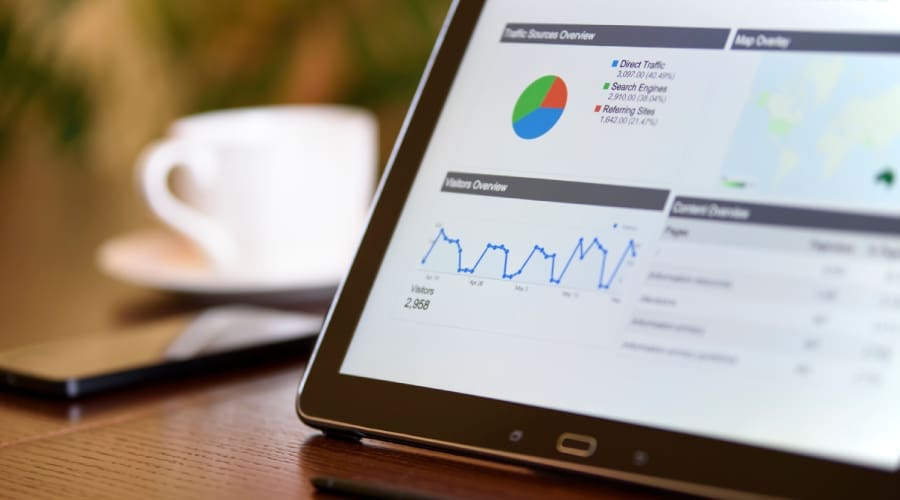
See how Google discovers, indexes, and displays your website. Search queries, impressions, clicks, rankings, and indexing information help reveal how your site is performing in search.
Web Design • SEO • WordPress
Search visibility starts with the foundation of your website. I consider how your pages, content, structure, and technical setup work together to create a site that makes sense to visitors and gives search engines the information they need to understand what your business offers.
Getting found starts with giving search engines a clear understanding of your website. I build SEO into the structure, content, and technical foundation so your site can communicate what you offer while creating a better experience for the people searching for it.
On-site SEO is about making your website clear to both people and search engines. It starts with how your pages are organized and continues through the words you use, how pages connect, and how important information is presented.
Organizing pages and content into a logical hierarchy so visitors and search engines can understand how everything fits together.
Using the language your audience actually searches for and aligning important pages with what people are looking for.
Creating clear page titles and descriptions that communicate what each page is about and encourage people to click from search results.
Using H1, H2, and H3 headings to give each page a clear content hierarchy and make information easier to scan.
Keeping URLs short, descriptive, and easy to understand rather than relying on complicated or automatically generated addresses.
Connecting related pages throughout your website so visitors can discover relevant information and search engines can better understand the relationship between your content.
Linking to trustworthy, relevant sources when they add value or provide useful context for your visitors.
Using descriptive image names and alternative text to make your content more accessible while giving search engines additional context.
Structuring content with clear language, manageable paragraphs, lists, and useful formatting so visitors can quickly understand what you’re saying.
Adding relevant information that can help search engines better identify what a page represents, such as an article, service, product, or organization.
Making sure pages, content, navigation, and interactive elements work properly across phones, tablets, and larger screens.
Using tools such as Yoast SEO or Rank Math to manage important SEO settings and provide guidance while content is being created.
On-site SEO gives every page a clearer purpose, helping search engines understand your content while making it easier for visitors to find, navigate, and act on the information that matters.
Getting found online takes more than simply showing up in search results. I build focused SEO strategies that improve your visibility, attract qualified traffic, and connect your business with the right customers. From on-page optimization to local search, I focus on the areas that can make a real difference, helping strengthen your rankings, bring more potential customers to your site, and support long-term growth.
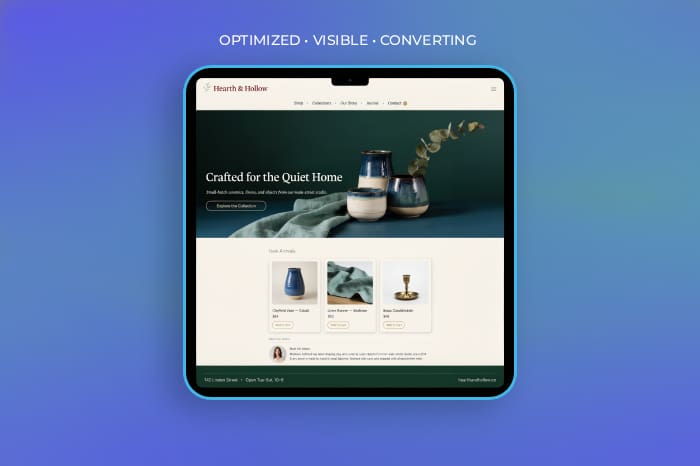
Good SEO requires attention to dozens of small details, and Yoast SEO brings many of those details into the WordPress editing experience. From page titles and meta descriptions to XML sitemaps, structured data, and content guidance, it provides a practical foundation for managing the SEO elements of your website as it grows.
Yoast helps evaluate the content on each page and provides practical guidance for making it clearer, more focused, and better aligned with the searches you want to appear for.
Your pages should not exist in isolation. Yoast helps you understand how content connects throughout your website and where important pages may need stronger internal relationships.
Some of the most important SEO work happens behind the page. Yoast automates several technical elements that help search engines interpret and crawl your website.
Yoast also brings useful search previews and management tools into the WordPress workflow, giving you more control over how your content is prepared and maintained.
Yoast brings many important SEO tasks into one place, making it easier to optimize content, connect related pages, and manage the technical details that help search engines understand your WordPress website.
Google provides the tools that help you understand how your website is discovered, indexed, and performing in search. From Search Console and Analytics to Business Profile and PageSpeed Insights, these platforms offer valuable insight into how people find your business, what they do once they arrive, and where your website can improve.
Site Kit connects your WordPress website with Google’s major tools in one place, bringing useful information together so you can see how people are finding and using your site.
The goal isn’t simply to collect numbers. It’s to connect the right information so you can see where people are finding you, what they’re interested in, and what is actually working, giving you better insight for the decisions you make next.
Being visible online means more than having a website. I help establish the Google tools and connections that give your business a stronger presence across Search, Maps, and other Google services while creating useful information you can use to make better decisions as your business grows.
See how Google discovers, indexes, and displays your website. Search queries, impressions, clicks, rankings, and indexing information help reveal how your site is performing in search.
Establish your business across Google Search and Maps with accurate information, services, photos, hours, reviews, and other details customers use when deciding where to go.
Understand what happens after someone reaches your website, including where visitors come from, which pages they use, and which channels are contributing to your goals.
Connect important Google services directly to WordPress so useful search, traffic, and performance information can be viewed together from one place.
Review how individual pages perform across mobile and desktop and identify opportunities to improve loading, responsiveness, and the overall user experience.
Connect paid search with your broader online presence to understand where advertising brings visitors from and which campaigns are helping generate meaningful results.
For ecommerce businesses, connect your product information with Google so products can be presented across Google’s shopping and product experiences.
Manage tracking and marketing tags more efficiently, making it easier to maintain measurement tools as your website and marketing needs evolve.
Explore what people are searching for and how interest changes over time, helping uncover seasonal patterns, topics, and opportunities worth investigating.
Bring information from different sources into visual reports and dashboards so important trends and search data are easier to understand and act on.
Connecting the right Google tools gives you a clearer picture of how your business is being discovered online, where your visitors come from, and what they respond to, turning search and website data into information you can actually use.
Let’s take a look at your current SEO and identify the opportunities that can improve your visibility, attract better traffic, and help turn more searches into customers.
Let’s Talk About Your SEO